


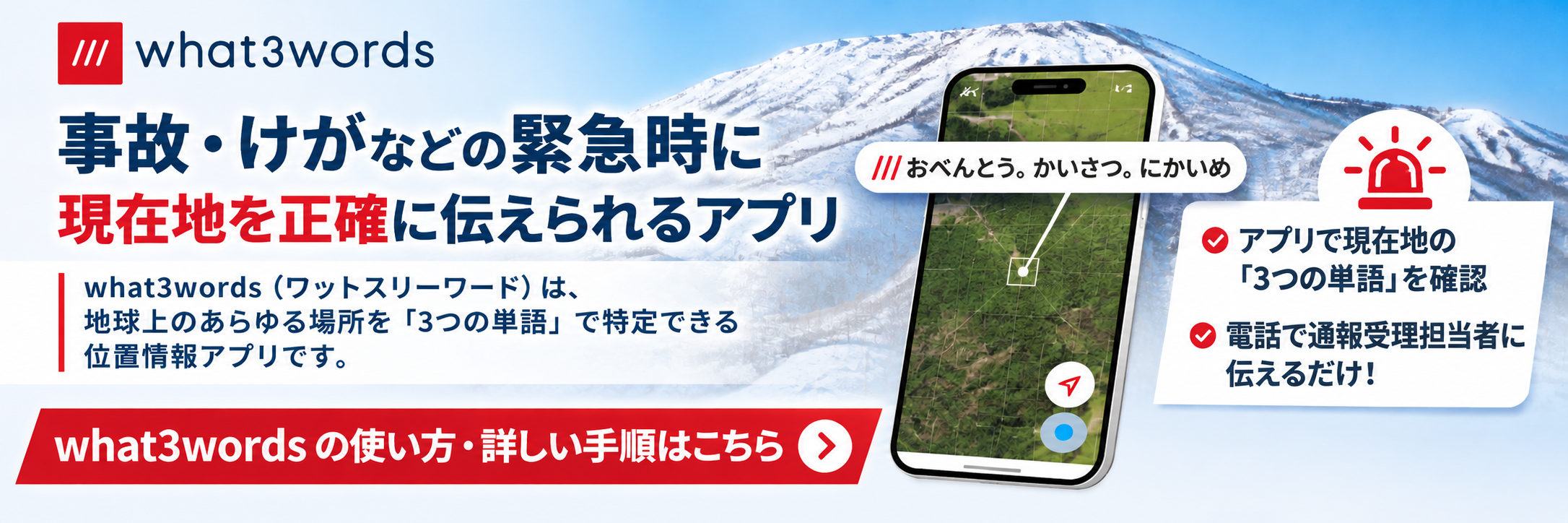
緊急時に現在地を正確に伝える
事故・けが・遭難などの緊急時に、救助が必要な場所を正確に伝えるための方法をご紹介します。
Learn how to communicate your exact location when you need emergency assistance.
what3wordsとは?
what3wordsは、世界中を3メートル四方のマス目に分割し、それぞれに3つの単語からなる固有の位置情報を割り当てたサービスです。
what3words divides the world into 3-metre squares and assigns each square a unique combination of three words.
You can describe your exact location using just three words, even in places without a street address.
緊急時の利用方法
事故や遭難など、緊急時に救助が必要な場合は、以下の手順で現在地を確認してください。
If you need help in an emergency, follow these steps to identify your location.
アプリを開く
無料のwhat3wordsアプリを開きます。青い現在地マークが安定するまで数秒間待ちます。
Open the free what3words app. Wait a few seconds for the blue location dot to settle.
現在地を確認する
現在地を示す矢印アイコンをタップします。画面に表示される3つの単語を確認してください。
Tap the current location arrow. Check the three words displayed on your screen.
3つの単語を伝える
緊急通報の際、通報受理担当者に3つの単語を伝えてください。
When calling emergency services, provide the three words to the call handler.
重要なお知らせ
what3wordsアプリ自体から救助要請を送ることはできません。電話で通報し、現在地を伝える補助情報として3つの単語を利用してください。
In an emergency, contact the appropriate emergency services first. The what3words app does not contact emergency services directly. Use the three words as additional location information when speaking to the call handler.
また、GPSの位置精度を高めるため、可能であれば空が開けた屋外で現在地を確認してください。
For better GPS accuracy, check your location outdoors with a clear view of the sky whenever possible.
アプリをダウンロード
万が一の緊急時に備えて、事前にアプリをインストールしておきましょう。
Install the app in advance so you are prepared for an emergency.
App Store(iPhone) > Google Play(Android) >


